

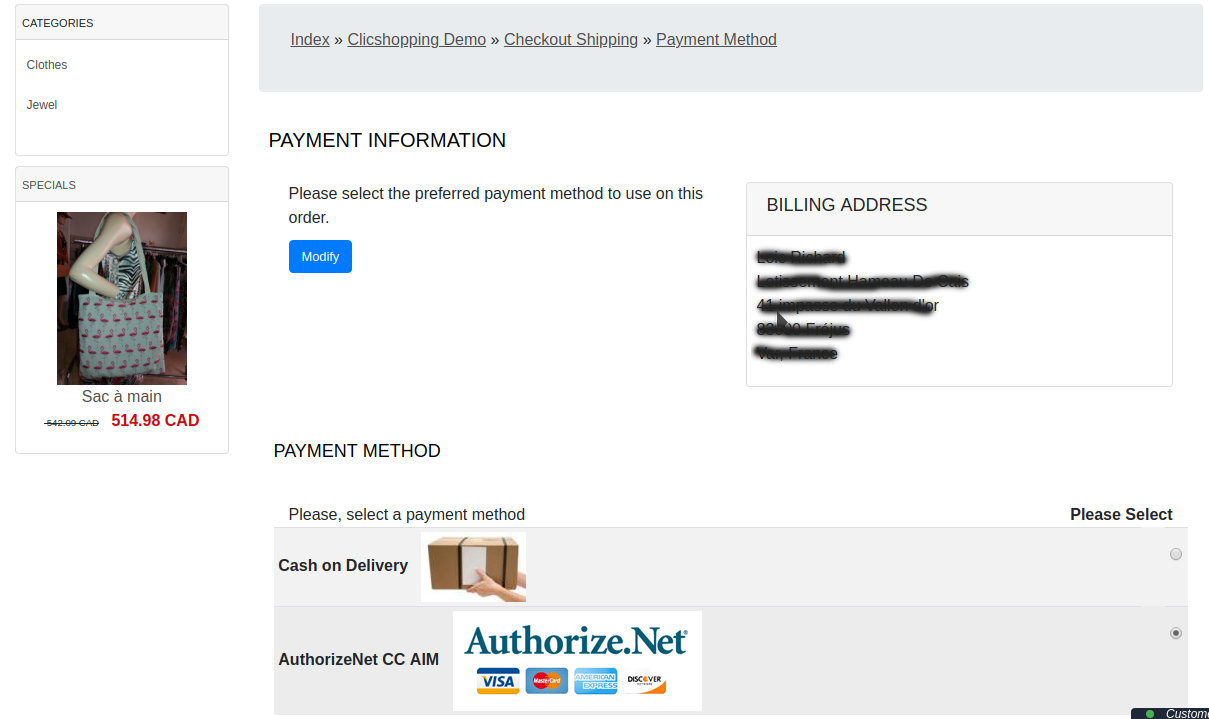
AIM allows merchants to host their own secure payment form and send transactions to the payment gateway using an end-to-end secure sockets layer (SSL) connection.
The Advanced Integration Method (AIM) is recommended connection method and offers the most secure and flexible integration.
- Latest AuthorizeNet API
- Employs industry standard secure data encryption technology
- Secure Sockets Layer (SSL) protocol.
- Uses transaction key authentication for ultimate security.
- Allows control over all phases of the customer's online transaction experience.
- Configurable transaction response integrates easily with merchant applications.
- The payment works only in CAD or USD currency
website : https://www.autorizenet.com
Language :
French and English
Important Note :
You must have an account to AuthorizeNet.
You site must have a valid ssl certificate to use this apps
A help section is including inside the apps
The payment works only in CAD or USD currency
licence : GPL 2 - MIT
- To use this apps, you must install composer on your local server or your server (apt-get install composer for linux).
- The exec function must be authorised by your hoster else the auto installation will not work (for the libray but the apps will be installed).
- To install manually the library Inside the shop directory (where there is composer.json file)
composer require authorizenet/authorizenet ==> installation
composer update authorizenet/authorizenet ==> update
composer remove authorizenet/authorizenet ==> remove
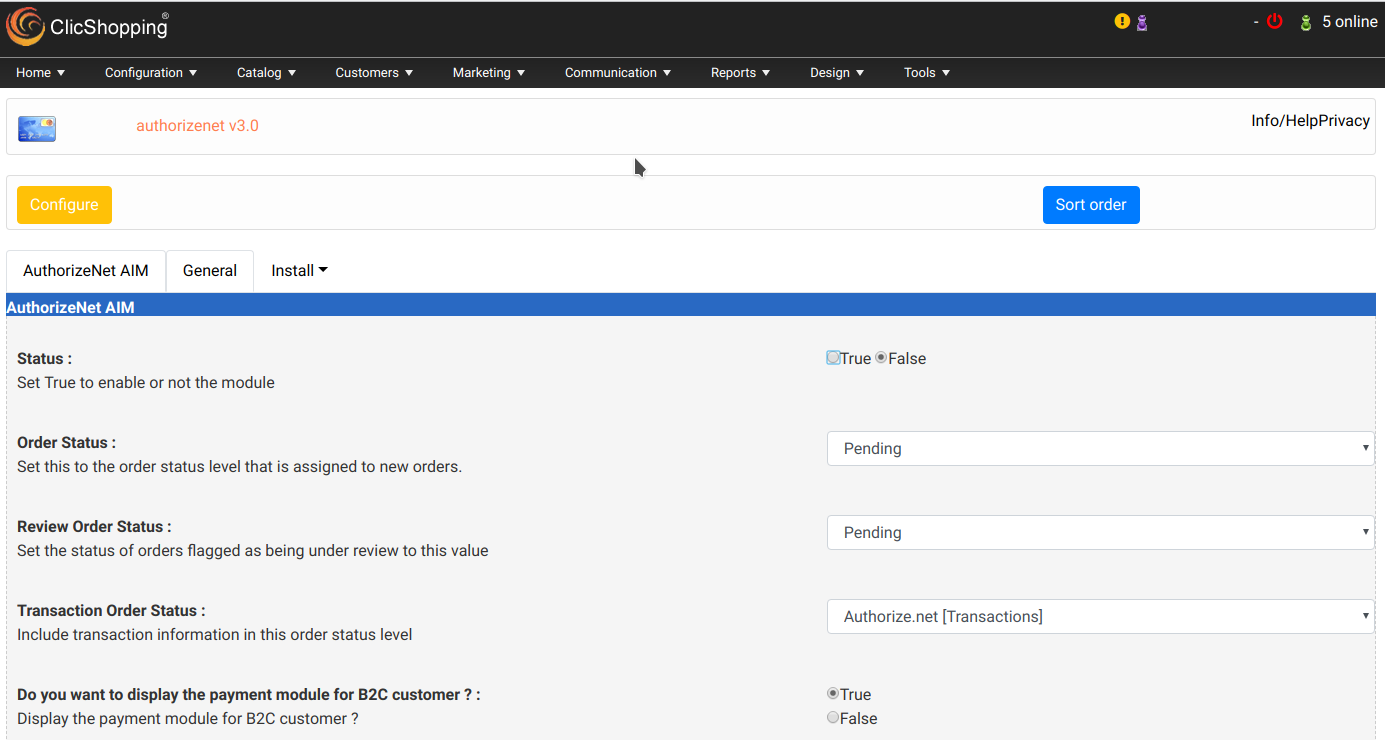
Once this installaton is made, you can set the apps.
Install :
http://monsite/myAdmin/index.php?A&Payment\AuthorizeNet
Activate the module in Payment
Copy the apps_payment_authorizenet.json into ClicShopping/Work/Cache/Github (manual installation)
See Marketplace for all informations
All informations about the ClicShopping
Community : https://www.clicshopping.org
Software : https://github.com/ClicShopping
What's New in Version 1.0.0
Released
No changelog available for this version.
Recommended Comments
Join the conversation
You can post now and register later. If you have an account, sign in now to post with your account.
Note: Your post will require moderator approval before it will be visible.