

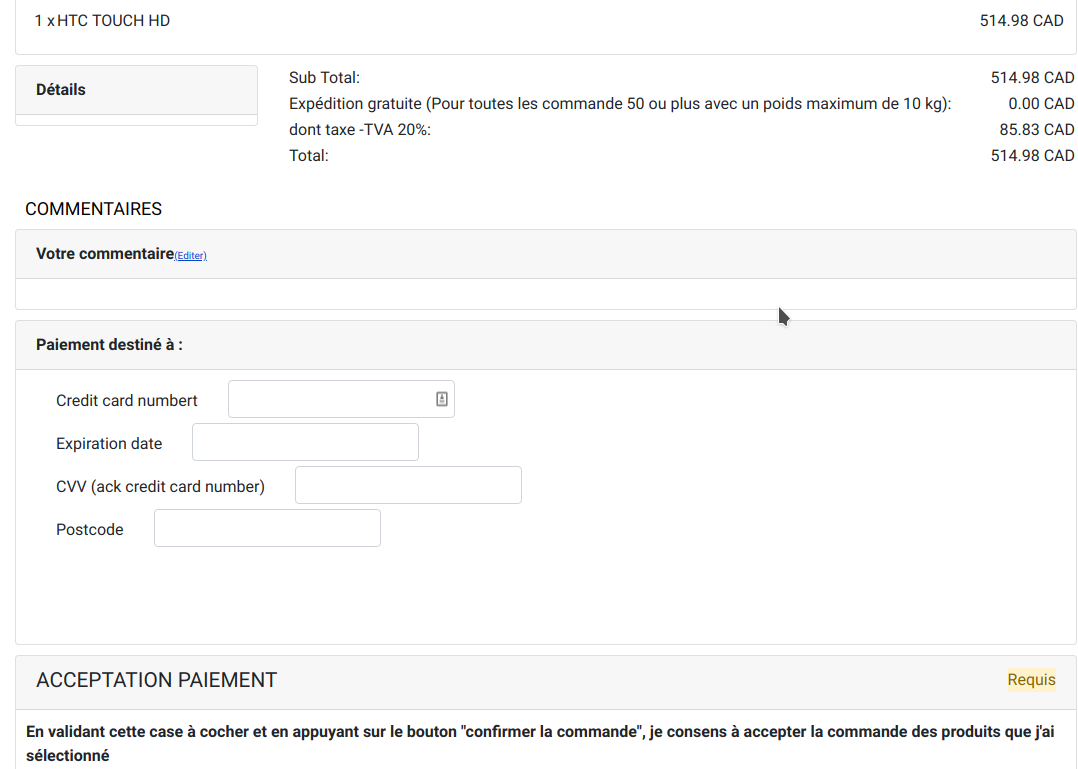
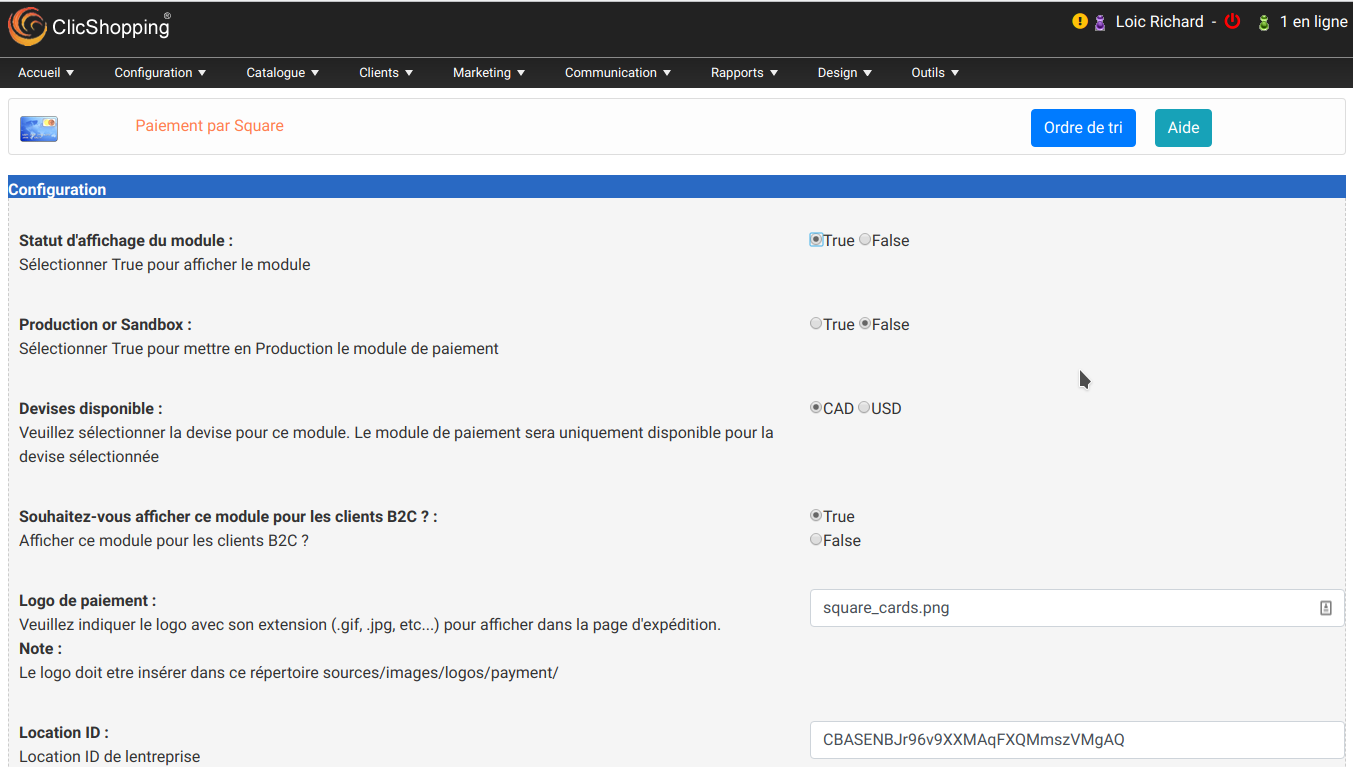
This apps will allow you to add Payplug hosting Payment in your website
- Hosting version
- Simplicité : Sans contrat VAD
- Conversion des ventes : Boostez vos ventes grâce à nos pages de paiement responsive mobile
- An account on Payplug must be created
Technical Prerequisites: None
More information about Payplug : https://www.payplug.com
Modules:
- License GPL2 - MIT
- Compatibility: >= version 3.0
- No core modification
- Language French and english
Recommendation and documentation specific use :
Important Note :
You must have an account at https://www.payplug.com
- You site must have a valid ssl certificate
- A help section is including inside the apps
- The payment works only in CAD or USD currency
- To use this apps, you must install composer on your local server or your server (apt-get install composer for linux).
- The exec function must be authorised by your hoster else the auto installation will not work (for the libray but the apps will be installed).
- To install manually the library Inside the shop directory (where there is composer.json file)
composer require payplug/payplug-php ==> installation
composer update payplug/payplug-php ==> update
composer remove payplug/payplug-php ==> remove
Once this installaton is made, you can set the apps.
Install :
http://monsite/myAdmin/index.php?A&Payment\PlayPlug
Activate the module in Payment
Copy the apps_payment_payplug.json into ClicShopping/Work/Cache/Github (manual installation)
About ClicShopping
Download ClicShopping : https://github.com/ClicShopping/ClicShopping_V3/archive/master.z
Community : https://www.clicshopping.org
Software : https://github.com/ClicShopping
trademark License info : https://www.clicshopping.org/forum/trademark/
What's New in Version 1.0.1
Released
No changelog available for this version.
You may only provide a review once you have downloaded the file.
There are no reviews to display.