

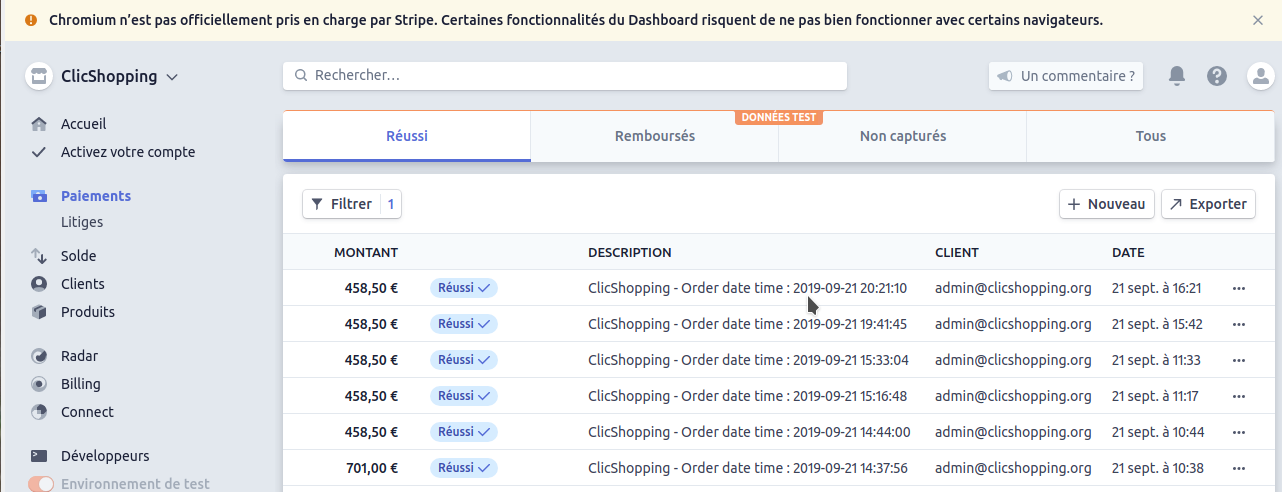
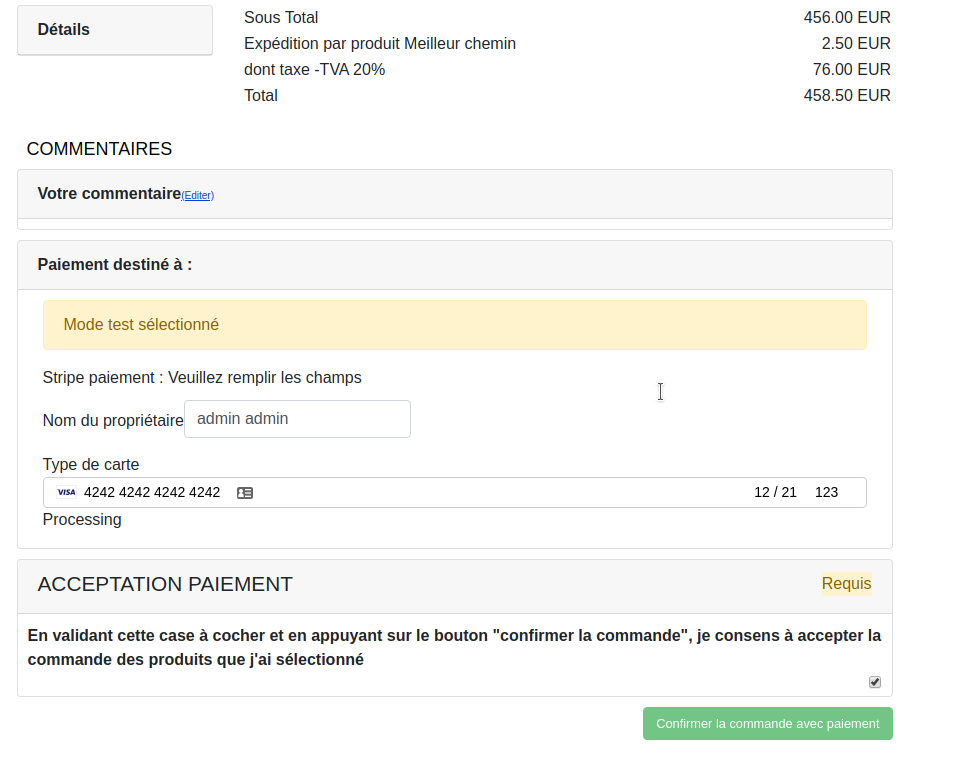
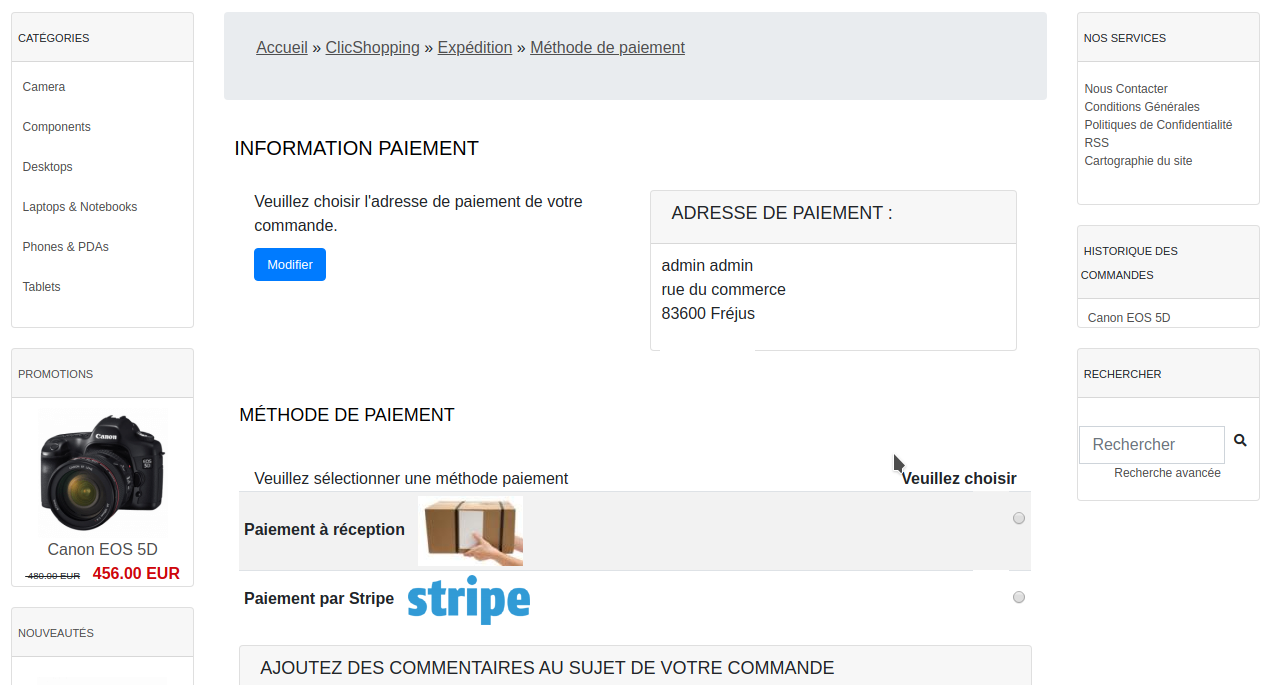
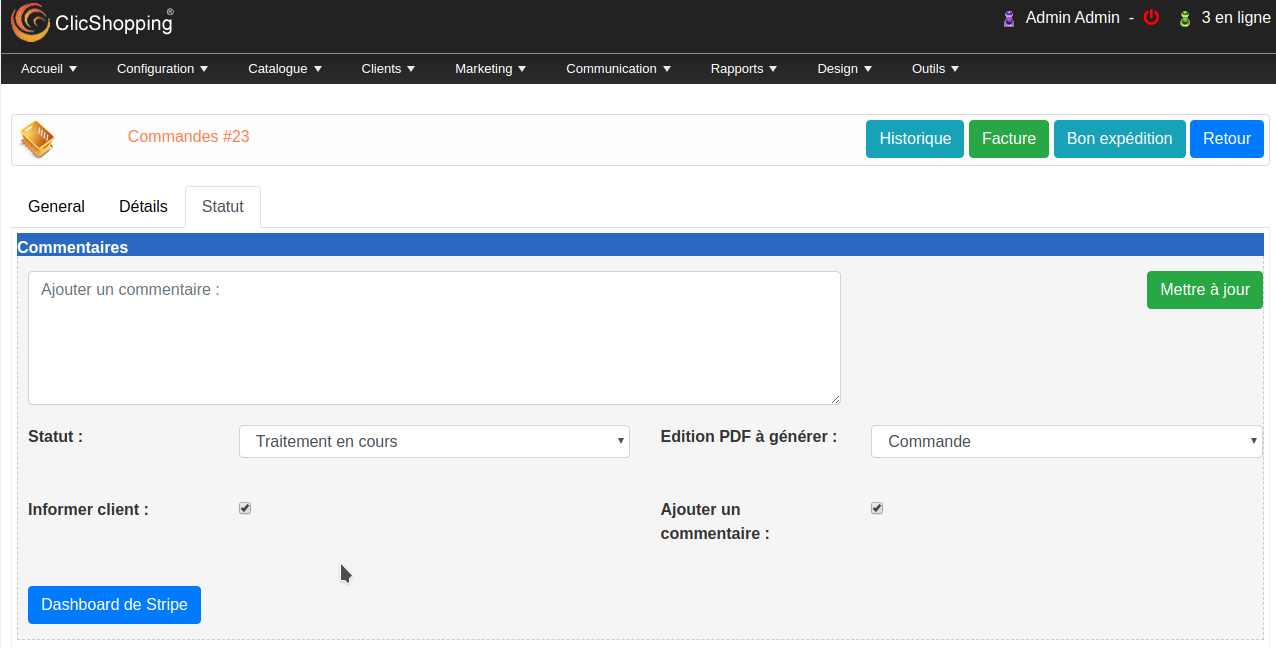
The Stripe payment plugin module will allow you to connect your Stripe account to your online store.
The payment gateway is operated by Stripe,
https://www.stripe.com
Important Note :
You must have an account to Stripe.
You site must have a valid ssl certificate
A help section is including inside the apps to help you to configure your account and Apps
Core application
Pack
Language : English - french
licence : GPL 2 - MIT
Install :
https://monsite/myAdmin/index.php?A&Payment\Stripe
or via the Menu/Configuration/Payment
Activate the module in Payment
Copy the apps_payment_stripe.json into ClicShopping/Work/Cache/Github (manual installation)
- To use this apps, you must install composer on your local server or your server (apt-get install composer for linux).
- The exec function must be authorised by your hoster else the auto installation will not work (for the library but the apps will be installed).
- To install manually the library Inside the shop directory (where there is composer.json file)
composer require stripe/stripe-php ==> installation
composer update stripe/stripe-php ==> update
composer remove stripe/stripe-php ==> remove
Once this installaton is made, you can set the apps.
All informations about the ClicShopping
Community : https://www.clicshopping.org
Software : https://github.com/ClicShopping
trademark License info : https://www.clicshopping.org/forum/trademark/
What's New in Version 1.0.1
Released
No changelog available for this version.
You may only provide a review once you have downloaded the file.
There are no reviews to display.