

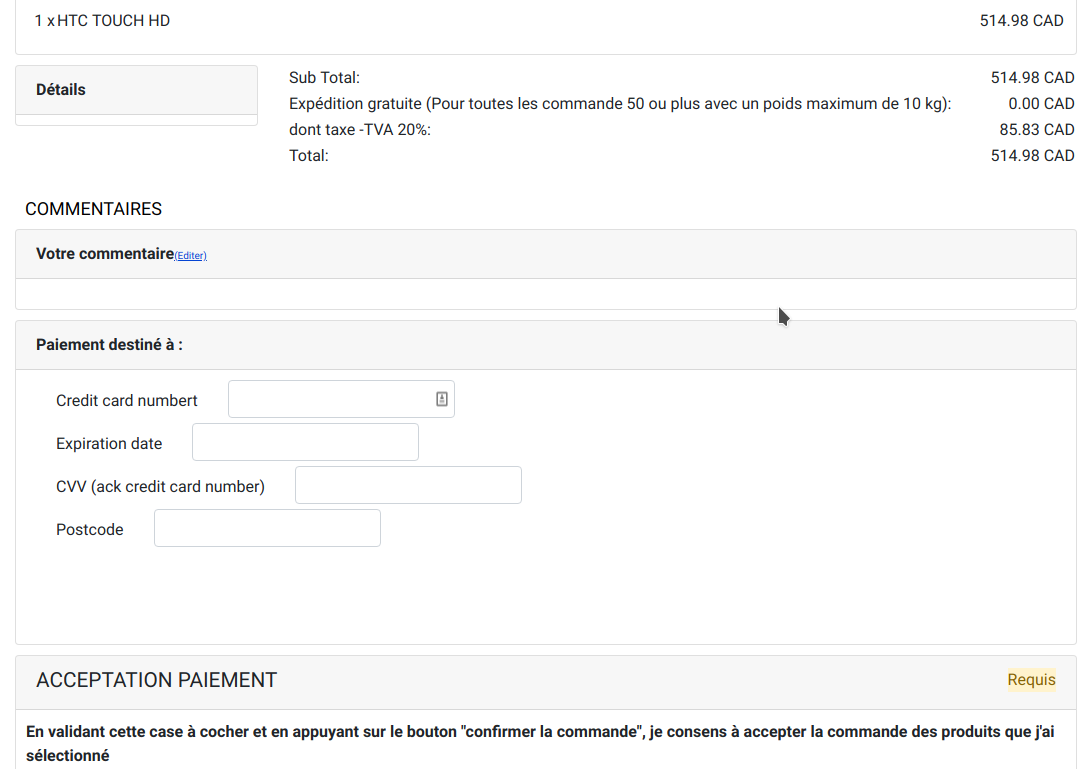
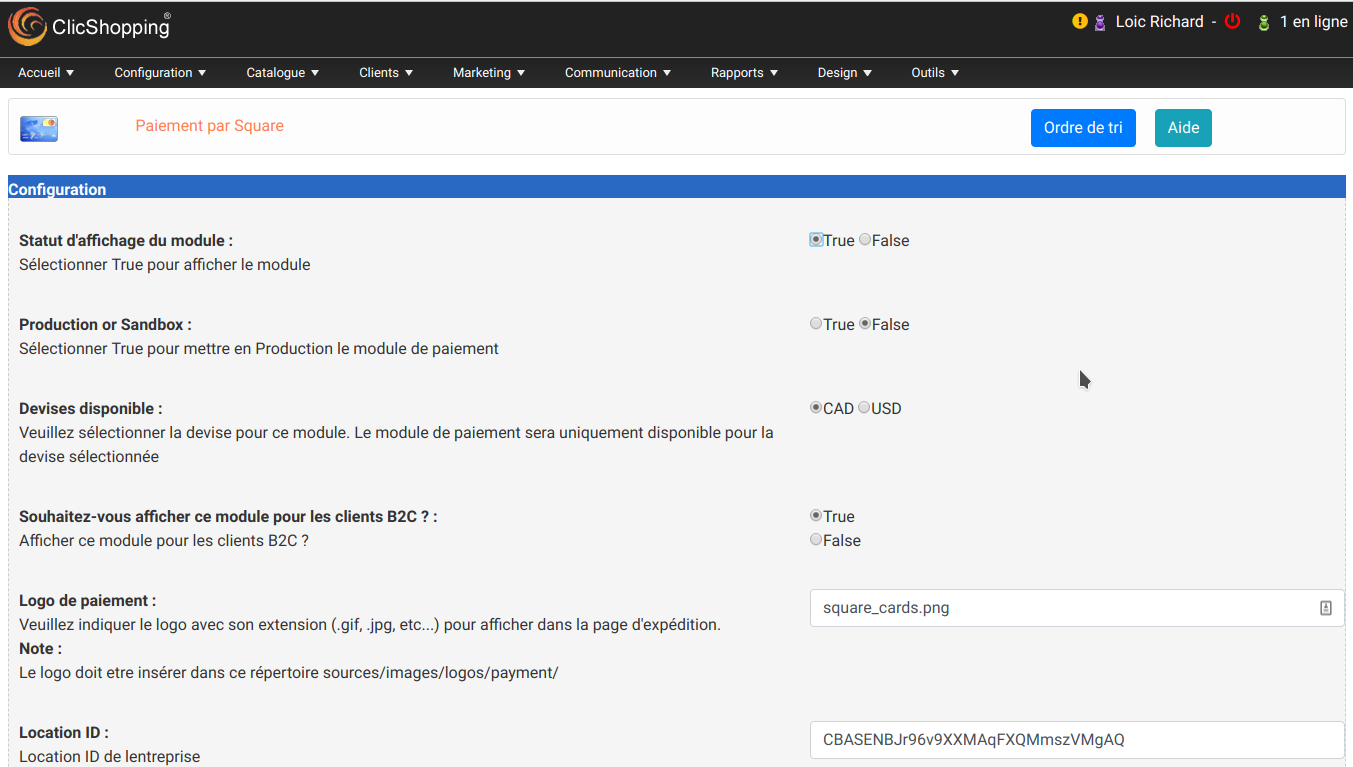
The Square payment plugin module will allow you to connect your Square account to your online store.
The payment gateway is operated by Square, Inc, which also offers POS card and chip readers to handle card-present transactions you can conduct from your phone or tablet in-store or mobile.
Licence : GPL2 - MIT
French / English
Install :
http://monsite/myAdmin/index.php?A&Payment\Square
Activate the module in Payment
Copy the apps_payment_square.json into ClicShopping/Work/Cache/Github (manual installation)
Important note :
- You must have an account to square.
- You site must have a valid ssl certificate
- A help section is including inside the apps
- The payment works only in CAD or USD currency
- To use this apps, you must install composer on your local server or your server (apt-get install composer for linux).
- The exec function must be authorised by your hoster else the auto installation will not work (for the libray but the apps will be installed).
- To install manually the library Inside the shop directory (where there is composer.json file)
composer require square/connect ==> installation
composer update square/connect ==> update
composer remove square/connect ==> remove
Once this installaton is made, you can set the apps.
All informations about the ClicShopping Community :
Software : https://github.com/ClicShopping Official
trademark License info : https://www.clicshopping.org/forum/trademark/
What's New in Version 1.0.0
Released
No changelog available for this version.
You may only provide a review once you have downloaded the file.
There are no reviews to display.