

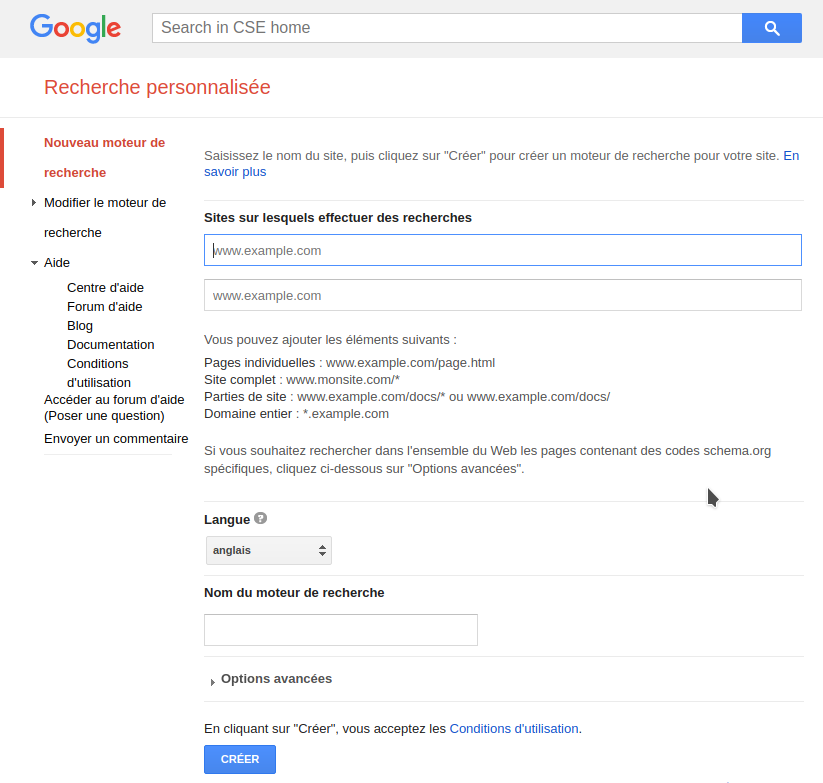
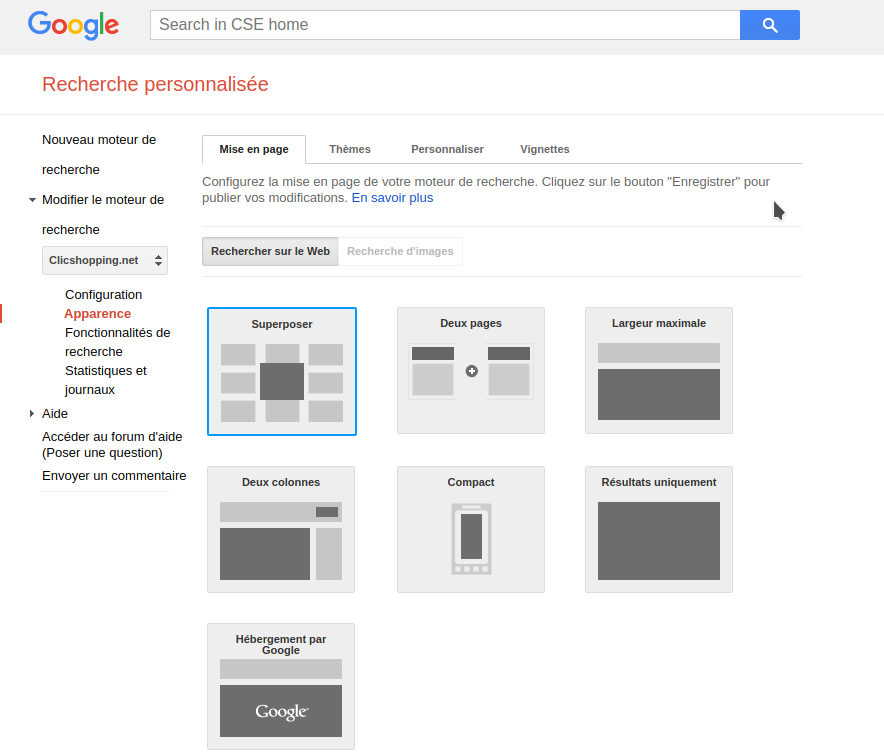
This module will allow you to display a google search engine.
You must have a registration on https://cse.google.co.uk
With Google's personalized search, you can integrate a search engine into your website to help visitors find the information they are looking for. Personalized research based on search technology at the heart of Google services, you are sure that your users are taking advantage of relevant results. Many settings allow you to customize your search engine:
You can apply the same appearance as your site to the search field and the results page. You have different search capabilities (filters, AutoComplete, forwarding of results, etc.) to enhance your users ' search experience. You can analyze the behavior of your users by associating your search engine with Google Analytics. You can monetize your search engine with Google AdSense.
This module contains
The language files in English and French
Via the installation system administration ClicShopping
Technical Prerequisites: None
Modules:
License GPL2 - MIT
Compatibility: >= version 3.0
Recommendation and documentation specific use :
Implementation:
Install the module
Activate the module
All informations about the ClicShopping
Community : https://www.clicshopping.org
Software : https://github.com/ClicShopping
Official add on : https://github.com/ClicShoppingOfficialModulesV3
Community add on : https://github.com/ClicShoppingV3Community
trademark License info : https://www.clicshopping.org/forum/trademark/
link to download
https://github.com/ClicShoppingV3Community/module_header_google_search/archive/master.zip
github:
https://github.com/ClicShoppingV3Community/module_header_google_search
What's New in Version 1.0.0
Released
No changelog available for this version.
Join the conversation
You can post now and register later. If you have an account, sign in now to post with your account.