

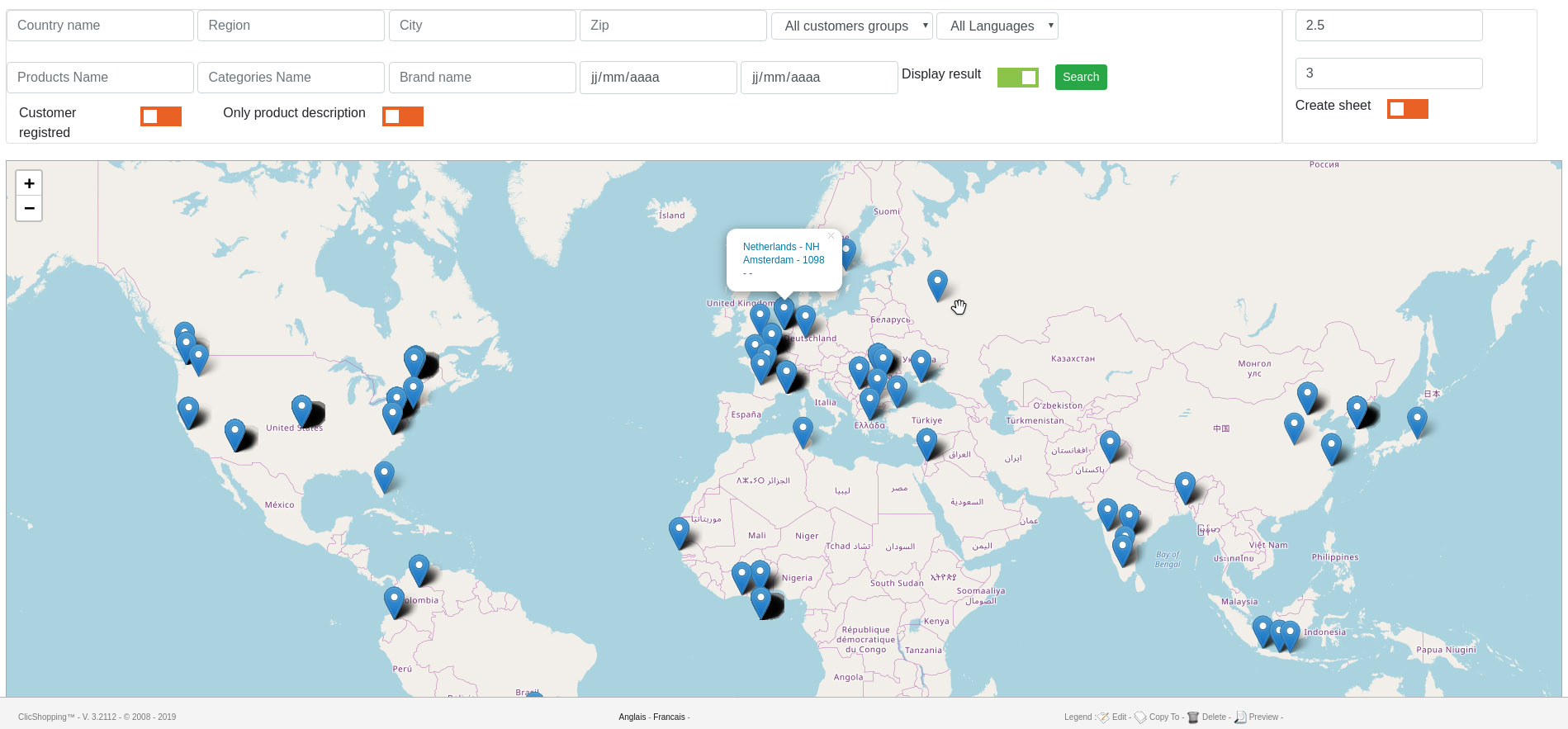
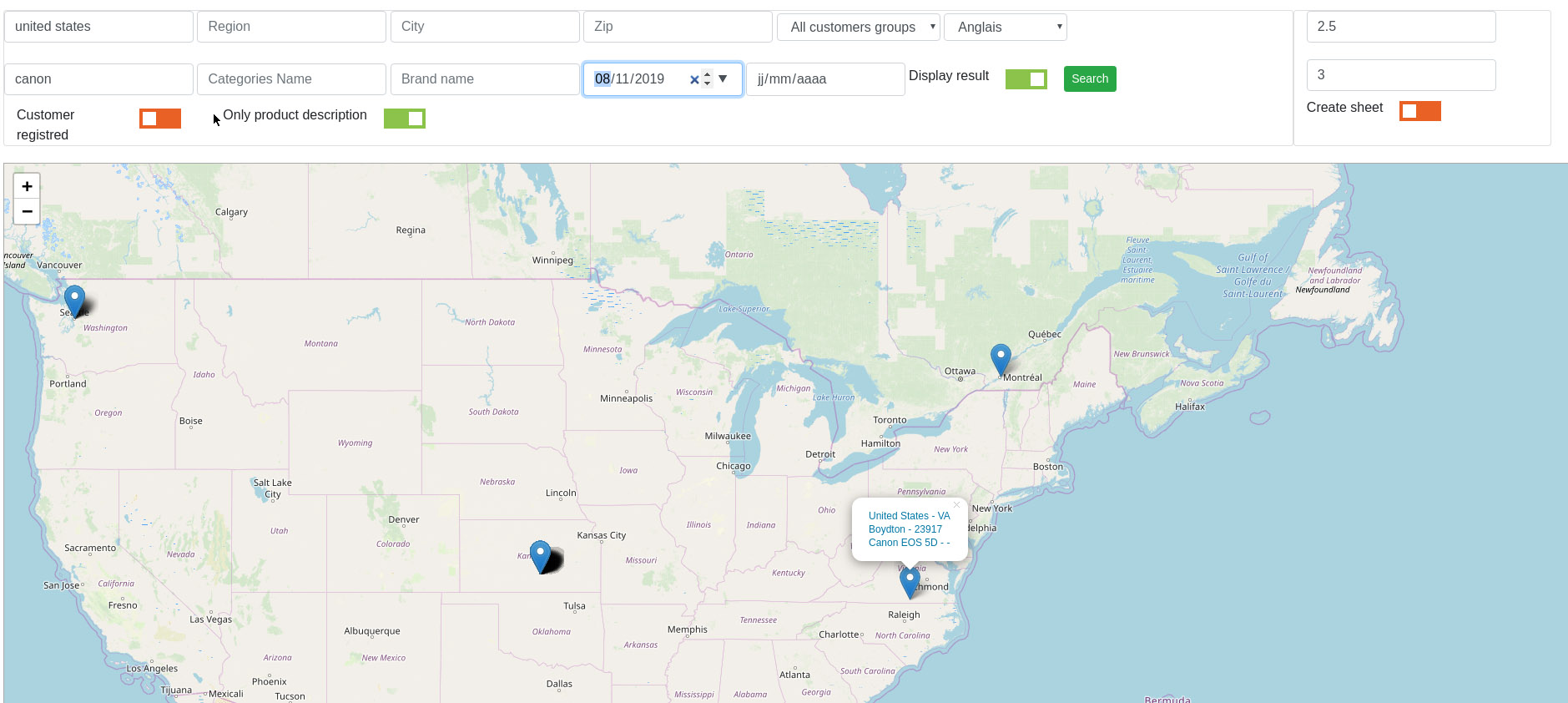
This apps will allow you to make some analyze about your visitor and orders across a world map
You can see where the visitor come from and what they do on your website.
It's easy to focus your marketing approach and see what the information is important or not to increase your sales
You can export your data and make some more analyse with https://www.tableau.com or https://datastudio.google.com for example
More information about that : https://alternativeto.net/software/google-fusion-tables/?license=free
For the visitor
Track all the traffic accross the website and you will have
- URL
- Address IP
- Products
- Postal Code
- Region (code)
- Region name
- City
- Country (code)
- Country Name
- Categories
- Brand
- .....
For the orders
- Products
- Postal Code
- Region
- City
- Country
- Address
- Order type (instance, pending ...)
You can select a sheet to display the informations and export the information in xls format to make some other analyze
This application is compatible with the GRPD
- Option to track on not.
- Allow the registred customer to remove the Ip adress (in their admin)
- Csv Export data
Apps
English and French
Licence GPL 2 - MIT
Important Note :
licence : GPL 2 - MIT
Install :
Copy the apps_report_geomarketing.json into ClicShopping/Work/Cache/Github (manual installation)
Activate the module in Report
https://monsite/myAdmin/index.php?A&Report\StatsGeomarketing
See Marketplace for all informations
link to marketplace :
All informations about the ClicShopping
Community : https://www.clicshopping.org
Software : https://github.com/ClicShopping
Trademark License info : https://www.clicshopping.org/forum/trademark/
What's New in Version 1.0.1
Released
No changelog available for this version.
Recommended Comments
Join the conversation
You can post now and register later. If you have an account, sign in now to post with your account.