

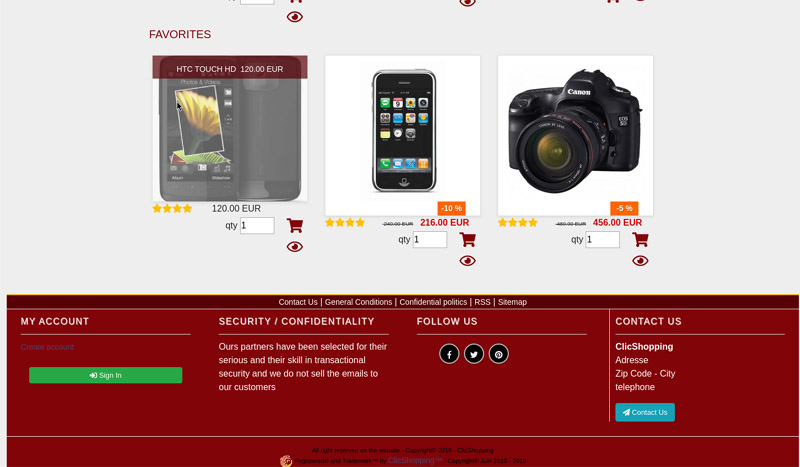
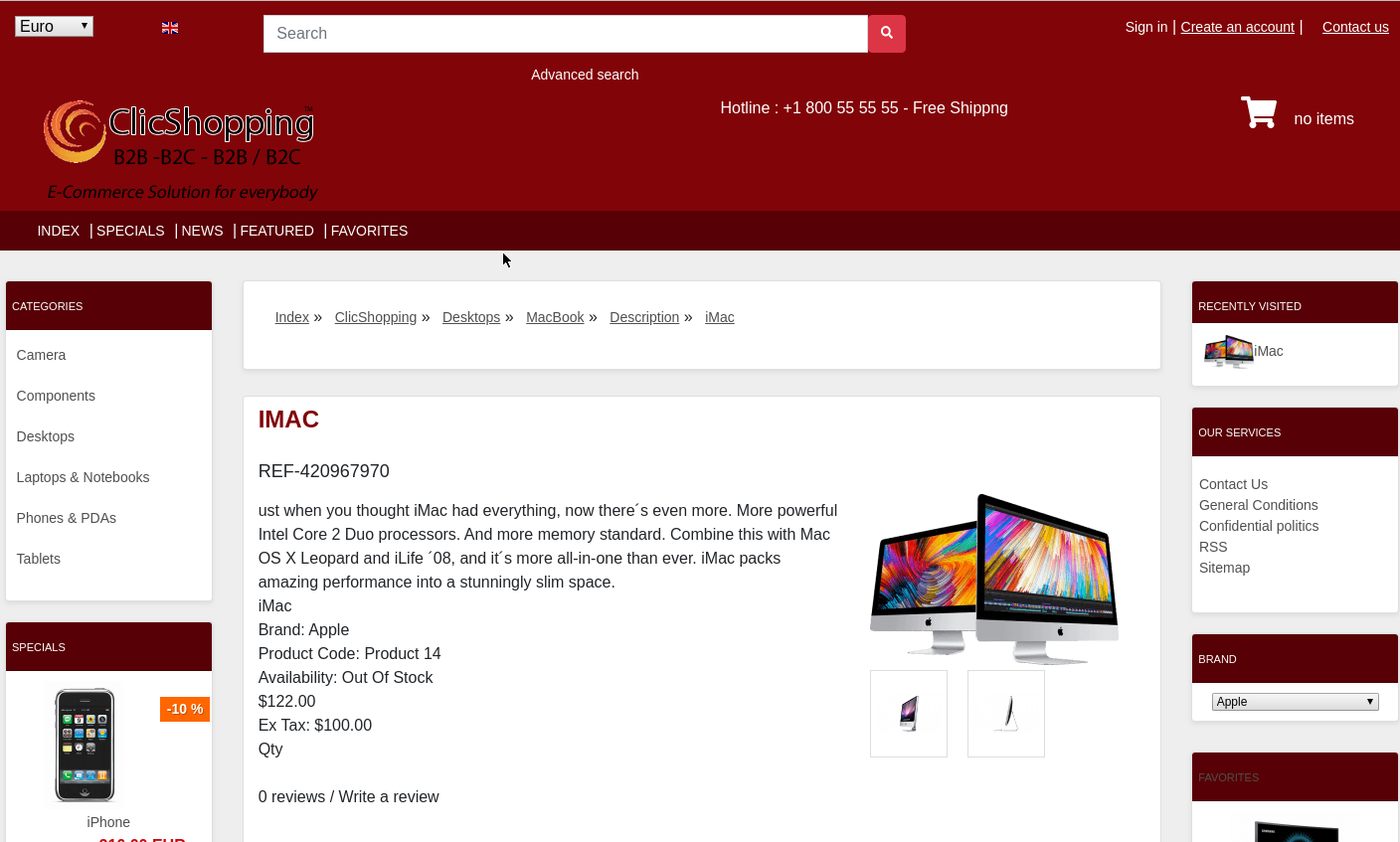
New design theme and based on an Christmas color on the product
If you have included new modules, you must update in consequence your files and css
You must just copy the files that you want change inside the template cool_effect directory.
This module contains
- The css
- The modules
Via the installation system administration ClicShopping
Technical Prerequisites: None
License : GPL 2 - MIT
Modules:
- Compatibility: >= version 3.0
- Multi languages
Recommendation and documentation specific use :
The module create a new directory inside the template directory
All the new modules inserted inside the Default template will work with cool_effect template.
If you must make an update, please, copy the files inside the cool_effect template.
Implementation:
- Copy the All Diretories inside Shop expcept ModuleInfosJson
- Copy the template_chritsmas.json into ClicShopping/Work/Cache/Github (manual installation)
- In your administration : Design / Configuration / Configuration : Change the website theme
Download
Github download : https://github.com/ClicShoppingV3Community/template_christmas/archive/master.zip
Github : https://github.com/ClicShoppingV3Community/template_christmas.git
Note :
All the options inside modules are not included in the template. You must update in consequence what you wish.
All informations about the ClicShopping
Download ClicShopping : https://github.com/ClicShopping/ClicShopping_V3/archive/master.zip
Community : https://www.clicshopping.org
Software : https://github.com/ClicShopping
trademark License info : https://www.clicshopping.org/forum/trademark/
What's New in Version 1.0.1
Released
No changelog available for this version.
description_summary
-
 1
1
Recommended Comments
Join the conversation
You can post now and register later. If you have an account, sign in now to post with your account.
Note: Your post will require moderator approval before it will be visible.