
Skip to content
View in the app

A better way to browse. Learn more.

Clicshopping AI, Free generative artificial intelligence e-commerce Open Source , Open Source Store Onlne

A full-screen app on your home screen with push notifications, badges and more.

To install this app on iOS and iPadOS
  1. Tap the Share icon in Safari
  2. Scroll the menu and tap Add to Home Screen.
  3. Tap Add in the top-right corner.
To install this app on Android
  1. Tap the 3-dot menu (⋮) in the top-right corner of the browser.
  2. Tap Add to Home screen or Install app.
  3. Confirm by tapping Install.

Apps Tools Transfert Language 1.0.0

(1 review)

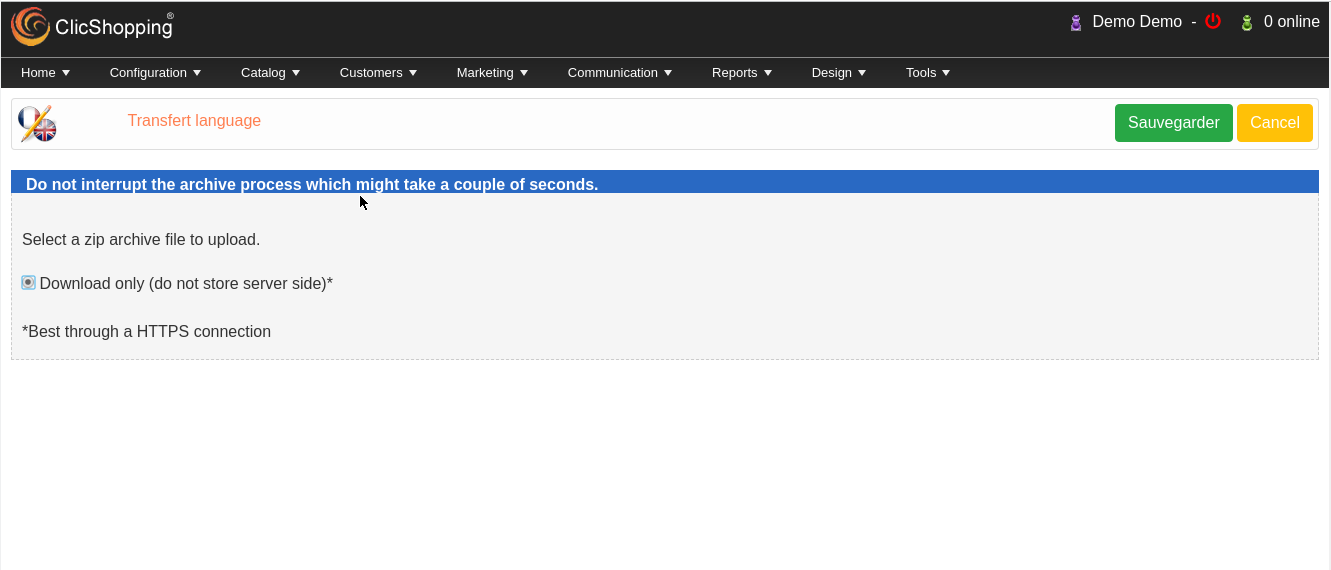
1 Screenshot

This apps will allow you to backup your language file and re-import inside ClicShopping


licence  : GPL 2 - MIT
English & French


Important Note :


Install :
Copy the apps_tools_transfert_language.json into ClicShopping/Work/Cache/Github (manual installation)

http://monsite/myAdmin/index.php?A&Tools\TransfertLanguage
Activate the module in Tools


Github
Apps link : https://github.com/ClicShoppingOfficialModulesV3/apps_tools_transfert_language
Apps Donwload : https://github.com/ClicShoppingOfficialModulesV3/apps_tools_transfert_language/archive/master.zip


All informations about the ClicShopping


 Community : https://www.clicshopping.org

 Software : https://github.com/ClicShopping

 Official add on : https://github.com/ClicShoppingOfficialModulesV3

Community add on : https://github.com/ClicShoppingV3Community

trademark License info : https://www.clicshopping.org/forum/trademark/


What's New in Version 1.0.0

Released

No changelog available for this version.


description_summary

This apps will allow you to backup your language file and re-import inside ClicShopping

User Feedback

Recommended Comments

There are no comments to display.

Join the conversation

You can post now and register later. If you have an account, sign in now to post with your account.
Note: Your post will require moderator approval before it will be visible.

Guest
Unfortunately, your content contains terms that we do not allow. Please edit your content to remove the highlighted words below.
Add a comment...

Important Information

By using this site, you agree to our Terms of Use

Account

Navigation

Search

Search

Configure browser push notifications

Chrome (Android)
  1. Tap the lock icon next to the address bar.
  2. Tap Permissions → Notifications.
  3. Adjust your preference.
Chrome (Desktop)
  1. Click the padlock icon in the address bar.
  2. Select Site settings.
  3. Find Notifications and adjust your preference.