
Skip to content
View in the app

A better way to browse. Learn more.

Clicshopping AI, Free generative artificial intelligence e-commerce Open Source , Open Source Store Onlne

A full-screen app on your home screen with push notifications, badges and more.

To install this app on iOS and iPadOS
  1. Tap the Share icon in Safari
  2. Scroll the menu and tap Add to Home Screen.
  3. Tap Add in the top-right corner.
To install this app on Android
  1. Tap the 3-dot menu (⋮) in the top-right corner of the browser.
  2. Tap Add to Home screen or Install app.
  3. Confirm by tapping Install.

Apps configuration antispam 1.0.0

(3 reviews)

2 Screenshots

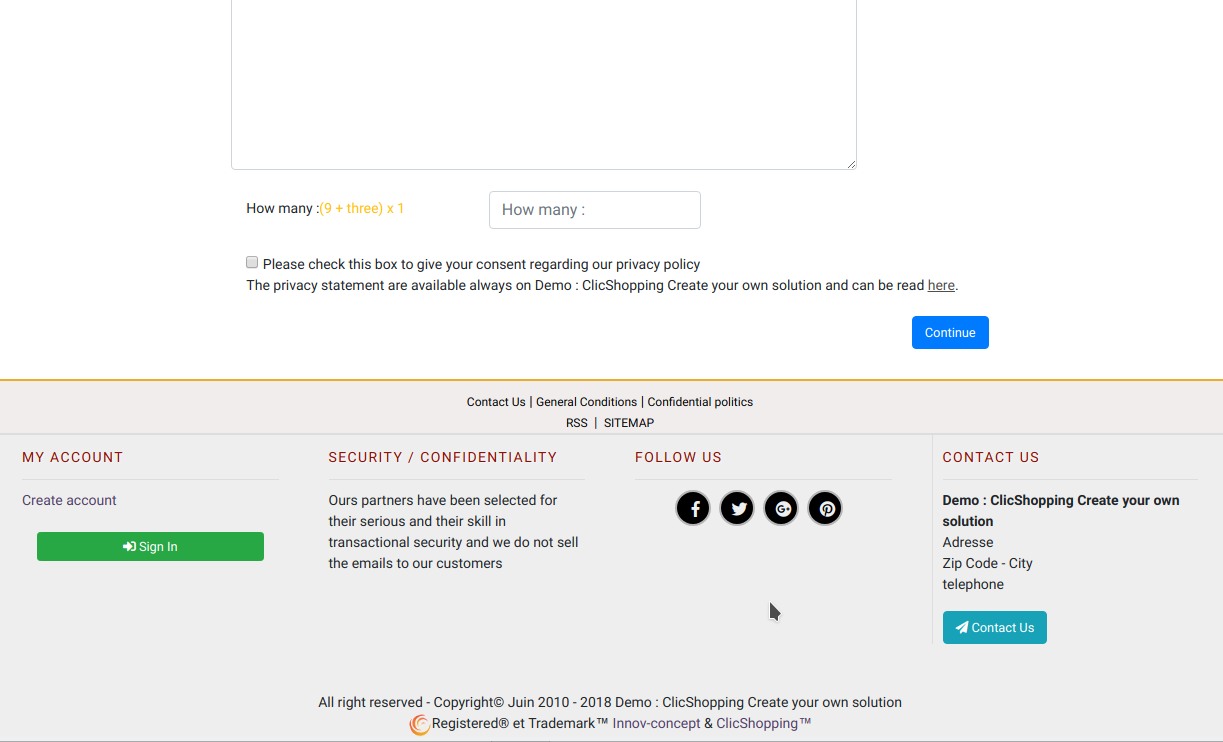
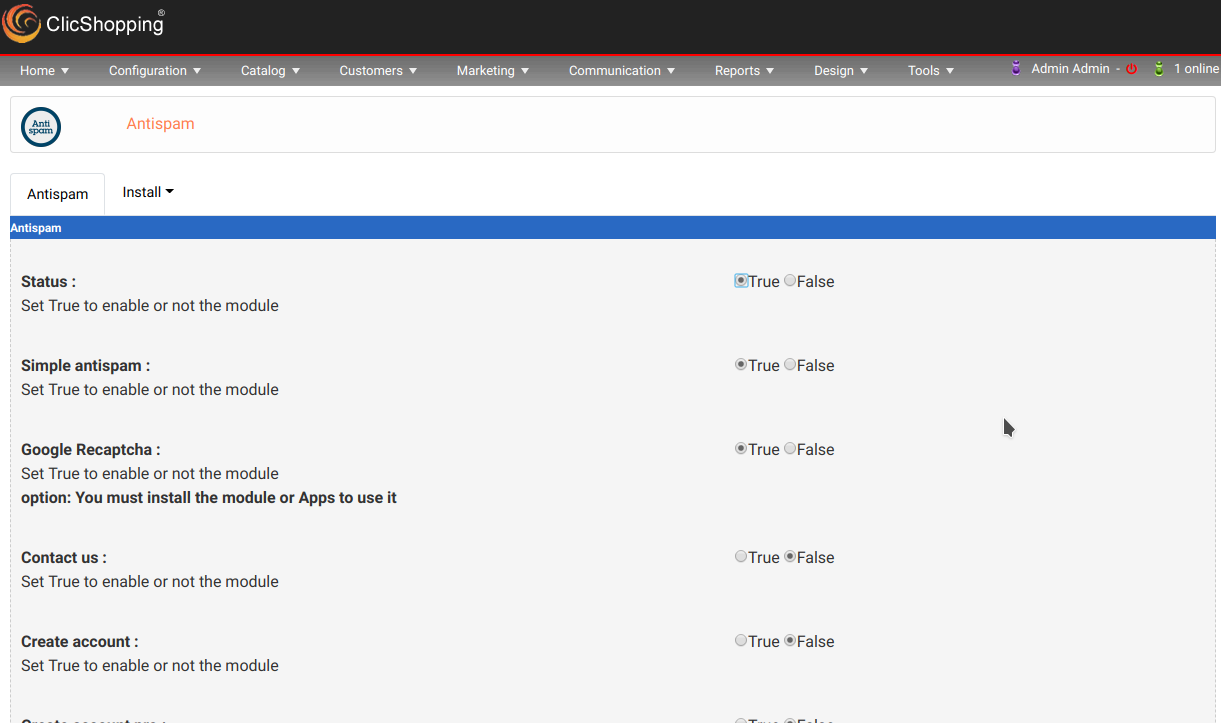
This apps will allow you to implement for different form an antispam like invisible, numeric or google recaptcha

The apps include :

Invisible field inside your form

Numeric recaptcha allow you to include a field a random number


Important Note :

Copy the in your shop directories

Copy the apps_configuration_antispam.json into ClicShopping/Work/Cache/Github

licence : GPL 2 - MIT


Install :

http://monsite/myAdmin/index.php?A&Configuration\Antispam

Install all the modules in Design section Create Acoount Create Account Pro Contact us Tell a friend

option if you theses modules installed Anonymous newsletter Customer Guest Account


All informations about the ClicShopping


Community : https://www.clicshopping.org

Software : https://github.com/ClicShopping

Official add on : https://github.com/ClicShoppingOfficialModulesV3

Community add on : https://github.com/ClicShoppingV3Community

trademark License info : https://www.clicshopping.org/forum/trademark/


Github : https://github.com/ClicShoppingOfficialModulesV3/apps_configuration_antispam

Github Download : https://github.com/ClicShoppingOfficialModulesV3/apps_configuration_antispam/archive/master.zip


What's New in Version 1.0.0

Released

No changelog available for this version.


description_summary

This apps will allow you to implement for different form an antispam like invisible, numeric ou google recaptcha

User Feedback

Recommended Comments

There are no comments to display.

Join the conversation

You can post now and register later. If you have an account, sign in now to post with your account.
Note: Your post will require moderator approval before it will be visible.

Guest
Unfortunately, your content contains terms that we do not allow. Please edit your content to remove the highlighted words below.
Add a comment...

Important Information

By using this site, you agree to our Terms of Use

Account

Navigation

Search

Search

Configure browser push notifications

Chrome (Android)
  1. Tap the lock icon next to the address bar.
  2. Tap Permissions → Notifications.
  3. Adjust your preference.
Chrome (Desktop)
  1. Click the padlock icon in the address bar.
  2. Select Site settings.
  3. Find Notifications and adjust your preference.