

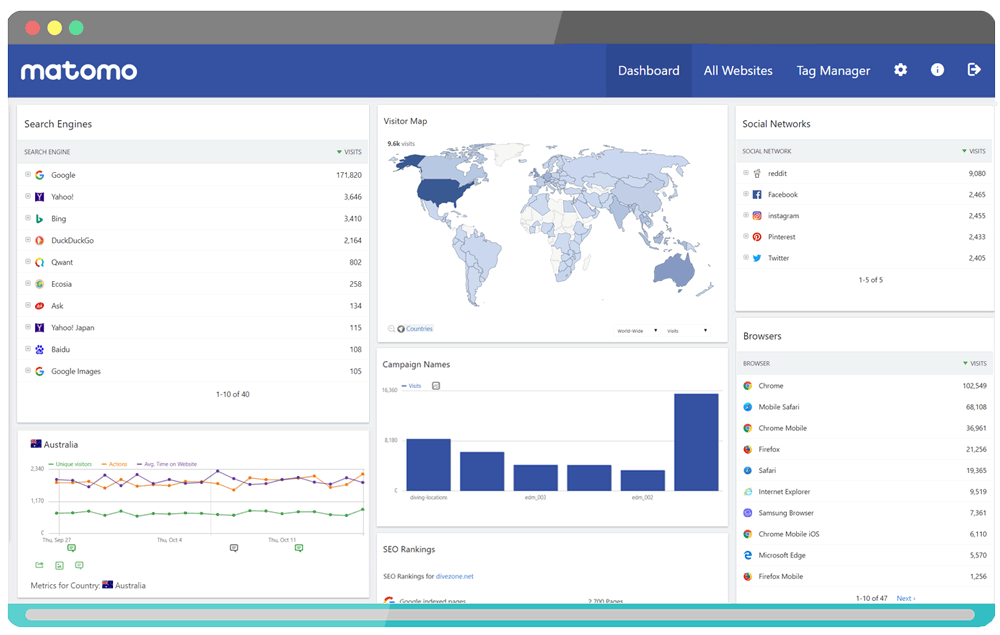
his module allows you to connect your website with Matomo statistics.
Matomo could be installed on your server or is also available On Cloud
More information on : https://matomo.org/
Apps
English and French
Licence GPL 2 - MIT
Important Note :
You must have a link and an ID with Matomo
Install :
Copy the module_header_tags_matomo.json into ClicShopping/Work/Cache/Github (manual installation)
Activate the module : Configuration / SEO -Social network / Meta Modles
How to download :
Github : https://github.com/ClicShoppingV3Community/module_header_tags_matomo.git
Download Github : https://github.com/ClicShoppingV3Community/module_header_tags_matomo/archive/master.zip
All informations about the ClicShopping
Community : https://www.clicshopping.org
Software : https://github.com/ClicShopping
Official add on : https://github.com/ClicShoppingOfficialModulesV3
Community add on : https://github.com/ClicShoppingV3Community
Trademark License info : https://www.clicshopping.org/forum/trademark/
What's New in Version 1.0.0
Released
No changelog available for this version.
You may only provide a review once you have downloaded the file.
There are no reviews to display.