

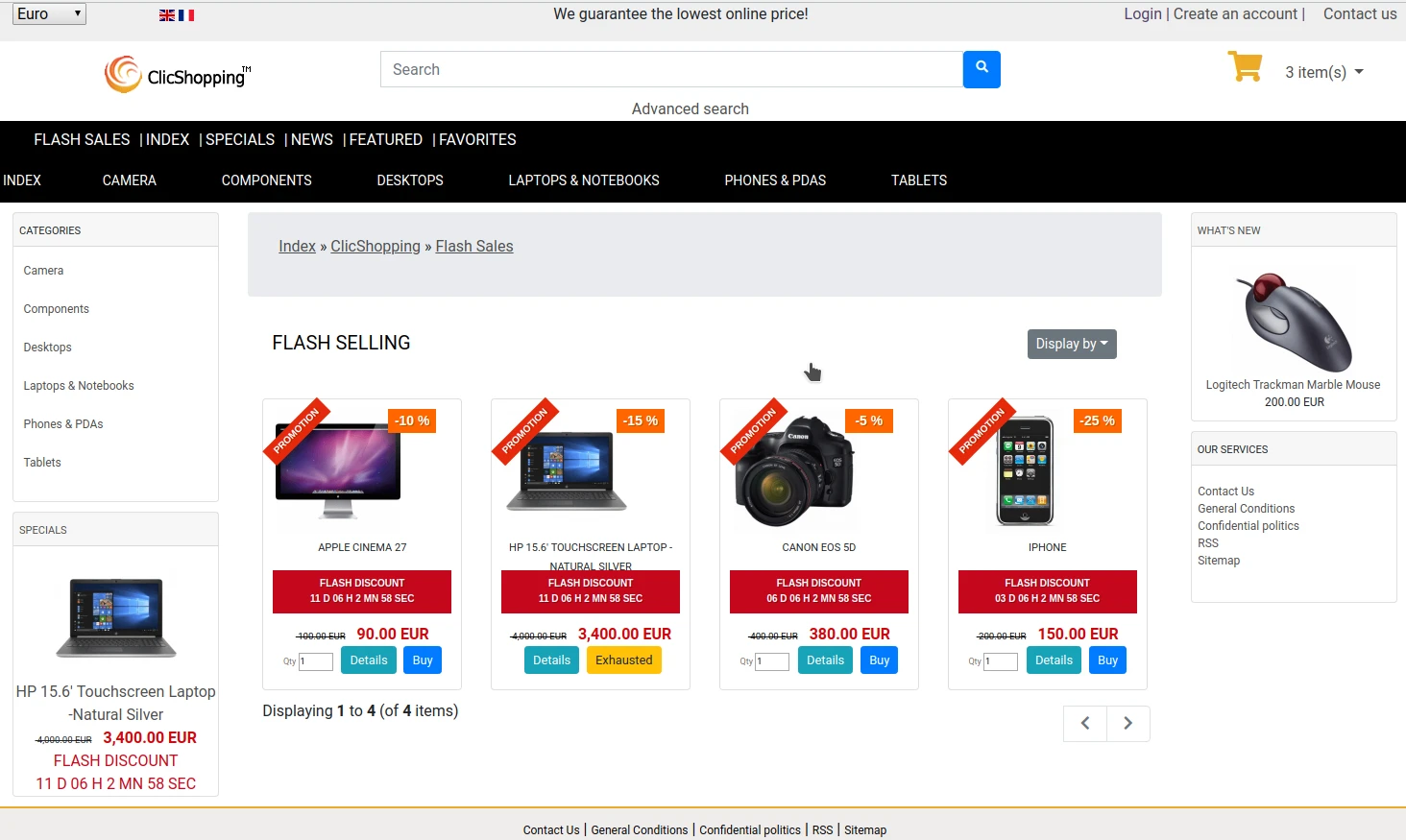
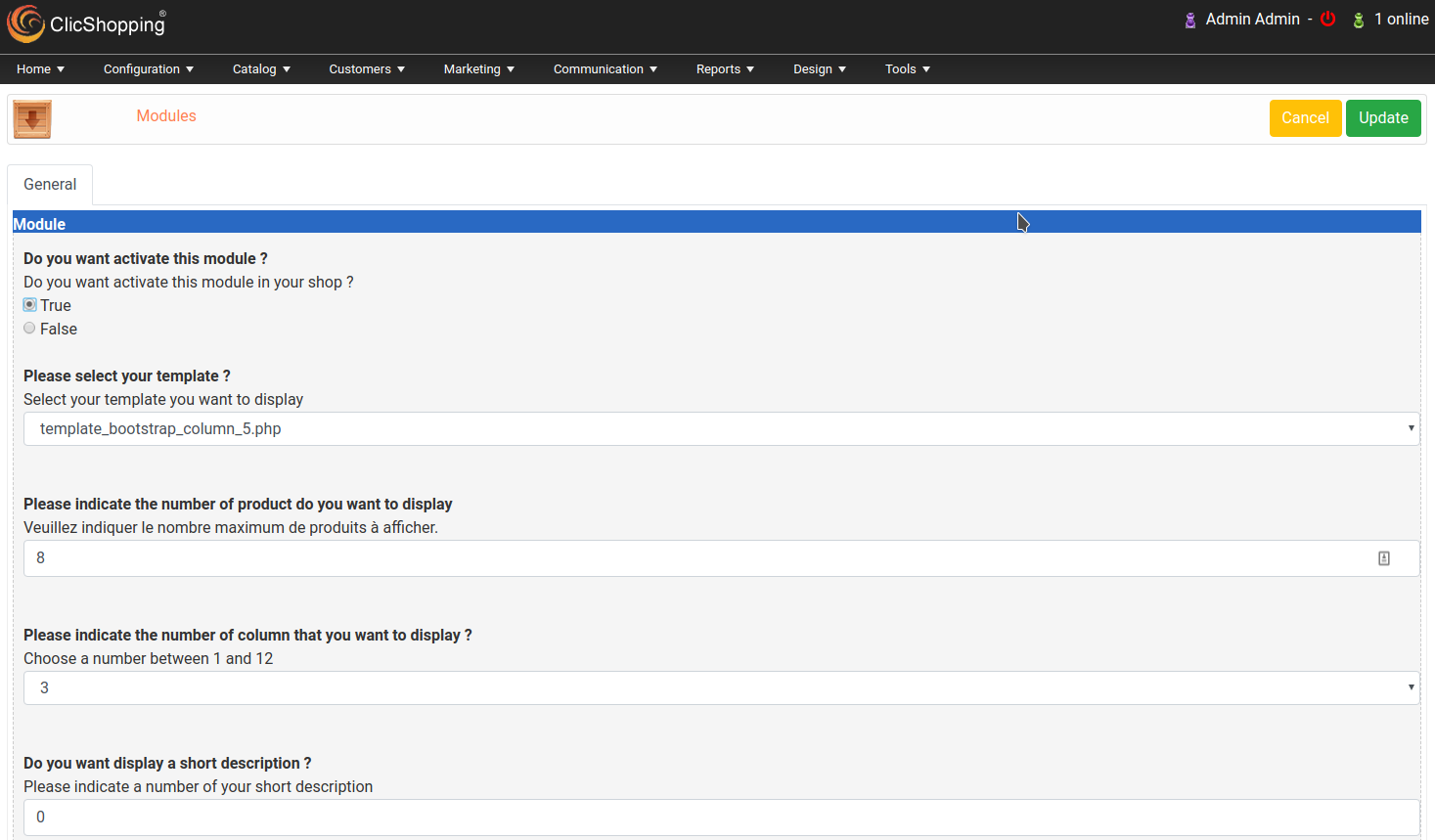
This module allow to display a new page with all the flash discount / sales inside your catalog.
You manage your page by a specific modules and you create your flash discount / sales via the Menu Marketing / Specials
You can define a delay to display your flash sales
In your modules, you can select some options like discount, sticker, rates of discount, stock ...
This module contains
- The language files in English and French
- The css file in French and English
- The module
Technical Prerequisites: None
License : GPL 2 - MIT
Modules:
- Compatibility: >= version 3.0
- Multi languages
Recommendation and documentation specific use :
The module is installed in the Default template and the Custom/Shop directory
If you have another template, you must copy the template files inside your new template.
Implementation:
- Menu design / Products Listing / Flash Sales
- Create a link via the page manager with this element : index.php?FlashSales&Flash as link.
- Activate the module
- Copy the modules_page_flash_sales.json into ClicShopping/Work/Cache/Github (manual installation)
All informations about the ClicShopping
Community : https://www.clicshopping.org
Software : https://github.com/ClicShopping
Official add on : https://github.com/ClicShoppingOfficialModulesV3
Community add on : https://github.com/ClicShoppingV3Community
trademark License info : https://www.clicshopping.org/forum/trademark/
What's New in Version 1.0.0
Released
No changelog available for this version.
-
 1
1
You may only provide a review once you have downloaded the file.
There are no reviews to display.