

Grimoire
Members
-
Joined
-
Last visited
Never
Everything posted by Grimoire
-
Ok thank you Patrick, That's solution. Just the question, the root index.php is important or not, What the function exactly ? Maybe I make a mistake to remove it !
-
Ok @Julie, If I want to remove the index.php in the root directory. Can I do that ?
-
Hello, I installed ClicShopping, I have just a question, How to download / install a contribution. I go on MarketPlace and when I click button I have just a readme
-
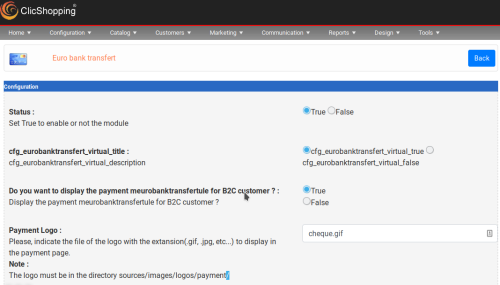 This apps will allow you to pour customer to make an euro transfert for you BIC SEPA SWIFT Iban Important Note : Copy the apps_payment_eurobank_transfert.json into ClicShopping/Work/Cache/Github licence : GPL 2 - MIT Install : http://monsite/myAdmin/index.php?A&Payment\EurobankTransfert Activate the module in PaymentFree