
Leaderboard
-

ClicShopping
Administrators1Points412Posts

Popular Content
Showing content with the highest reputation on 07/26/19 in Files
-
1 point
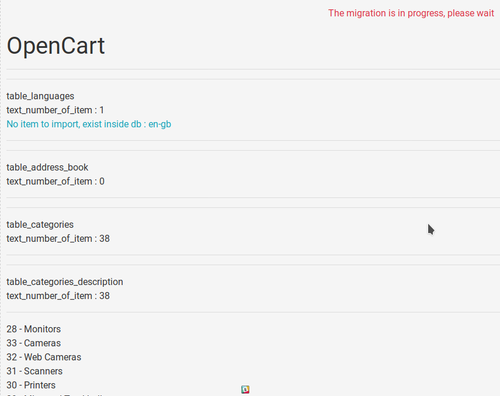 This apps will allow migrating your data from other e-commerce platforms like OsCommerce, Opencart and others You can create your own export easily and adapt in function your needs via a new hook. This module contains - The language files in English and French - The apps - Oscommerce 2x migration - Oscommerce phoenix - OpenCart migration - Zencart migration - Creaload migration - Prestashop migration - OscVanilla mogration Technical Prerequisites: None License : GPL 2 - MIT Modules: - Compatibility: >= version 3.0 - Multi languages Recommendation and documentation specific use : Important Note : Copy the apps_tools_import_data.json into ClicShopping/Work/Cache/Github Install : http://monsite/myAdmin/index.php?A&Tools\ImportData Activate the module in Tools All informations about the ClicShopping Community : https://www.clicshopping.org Software : https://github.com/ClicShopping trademark License info : https://www.clicshopping.org/forum/trademark/Free1 point